






FAQ
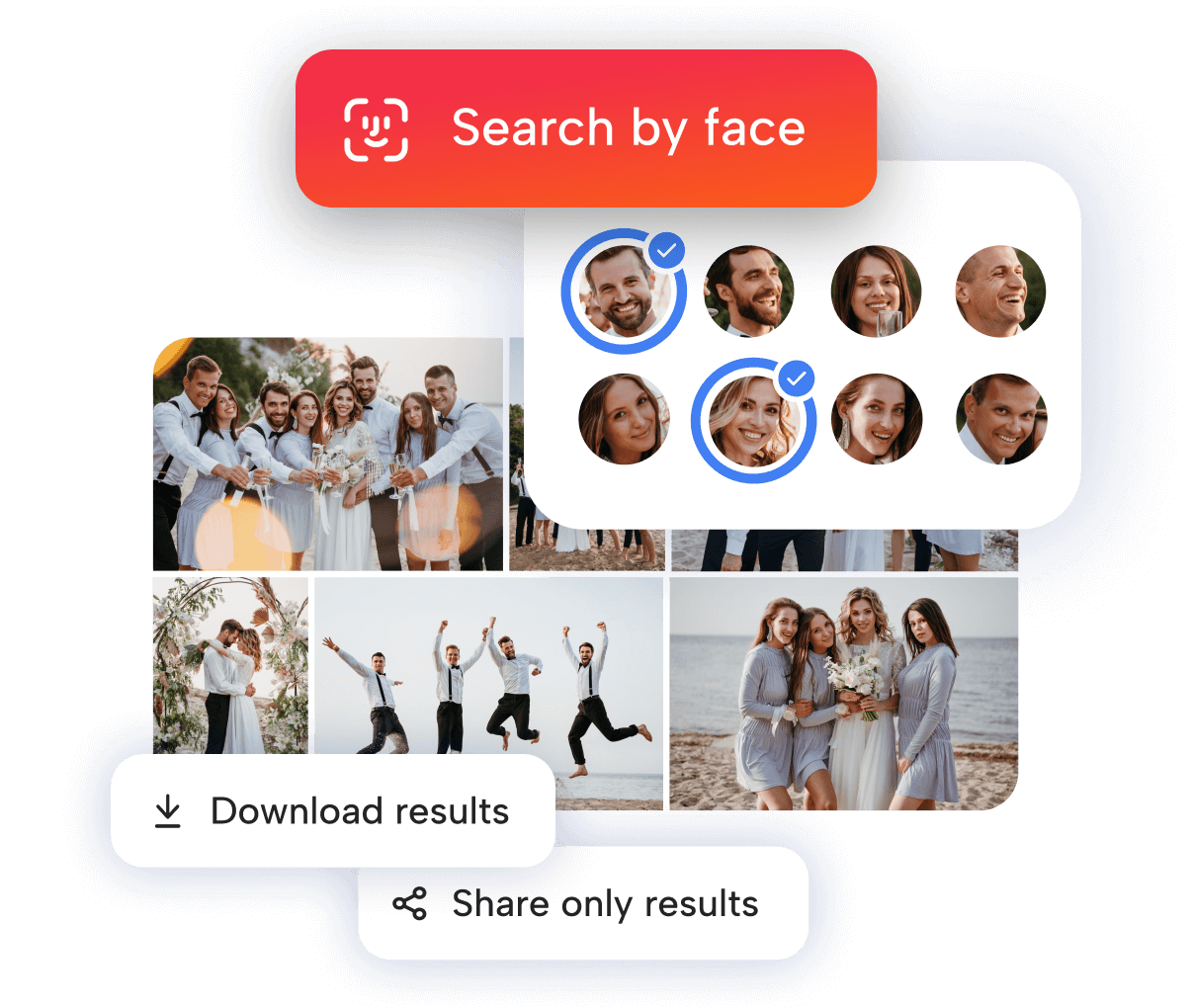
Files.fm AI can recognize faces from different angles and in various conditions - with glasses, hats, makeup, or changed clothing. For a person to be reliably recognized, their face needs to appear in multiple photos, depending on the size of the gallery:
- Up to 50 files - the person must appear in at least 2 photos
- up to 500 files - at least 3 photos,
- up to 1000 files - at least 4 photos,
- for more than 1000 files - at least 5 photos.
If a person isn’t recognized, it usually means their face doesn’t appear in enough photos. For AI to reliably identify someone, their face needs to appear in at least 2–5 photos, depending on the size of the gallery.
No. Files.fm AI processes your images only within your account, and they are not used to train public AI models. Your data stays completely secure.
Yes. Our AI features are designed with data protection regulations in mind, and you have full control over which photos are processed.
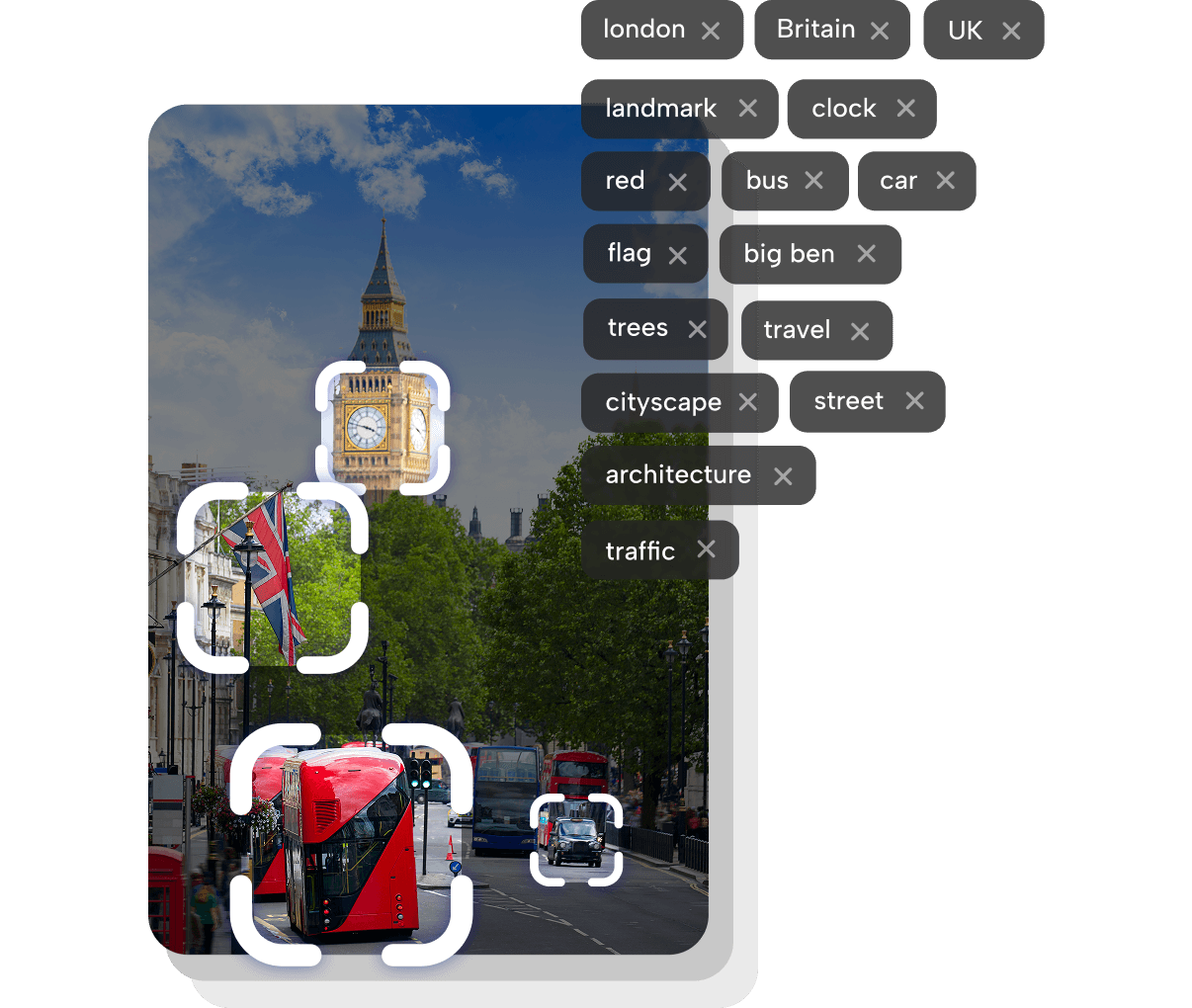
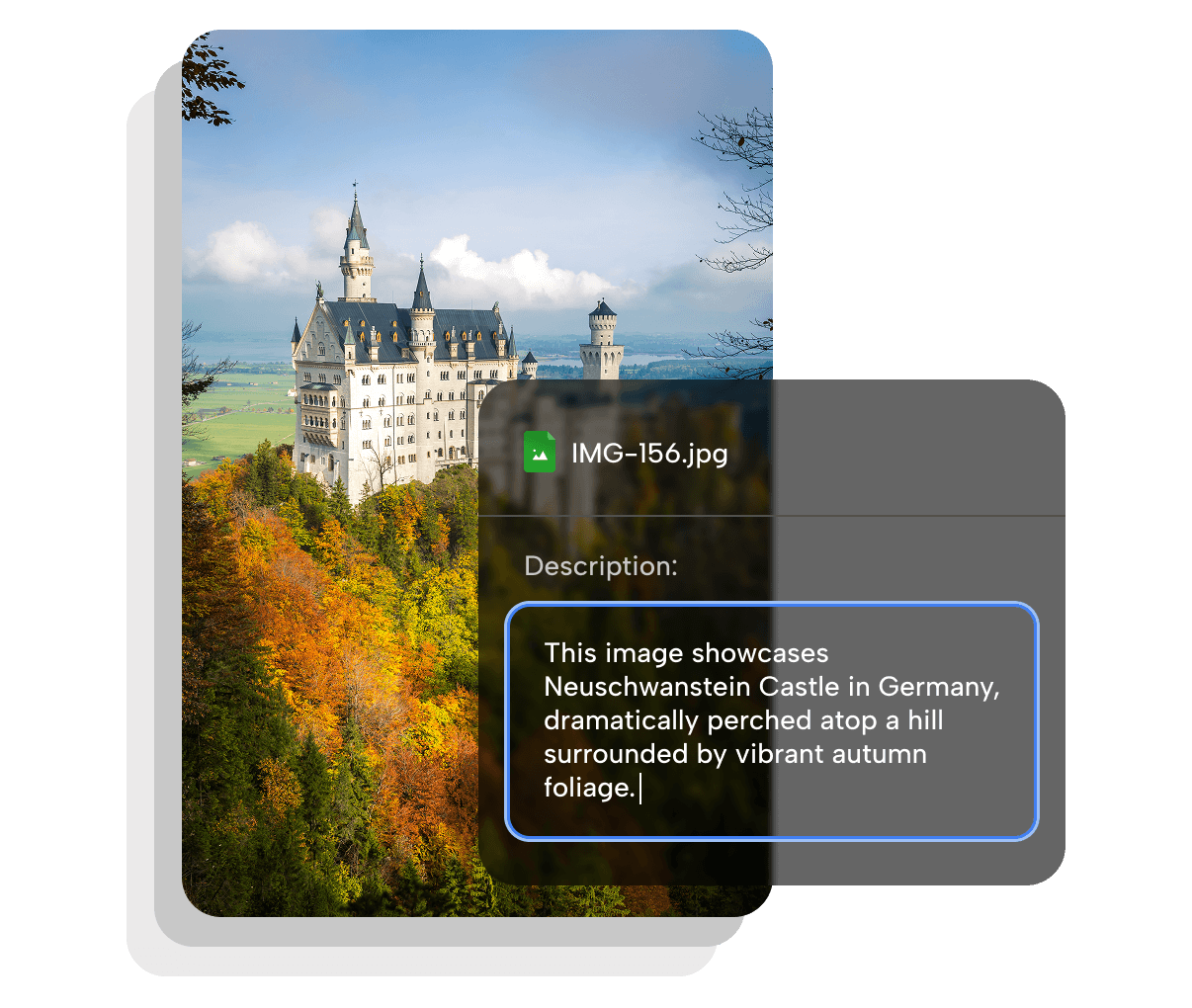
Yes. You can always modify, delete, or customize AI-generated tags and descriptions to suit your needs. Tags and descriptions can be edited or removed for each file individually.
No. AI adds new tags and descriptions to your existing information but does not delete or overwrite anything.
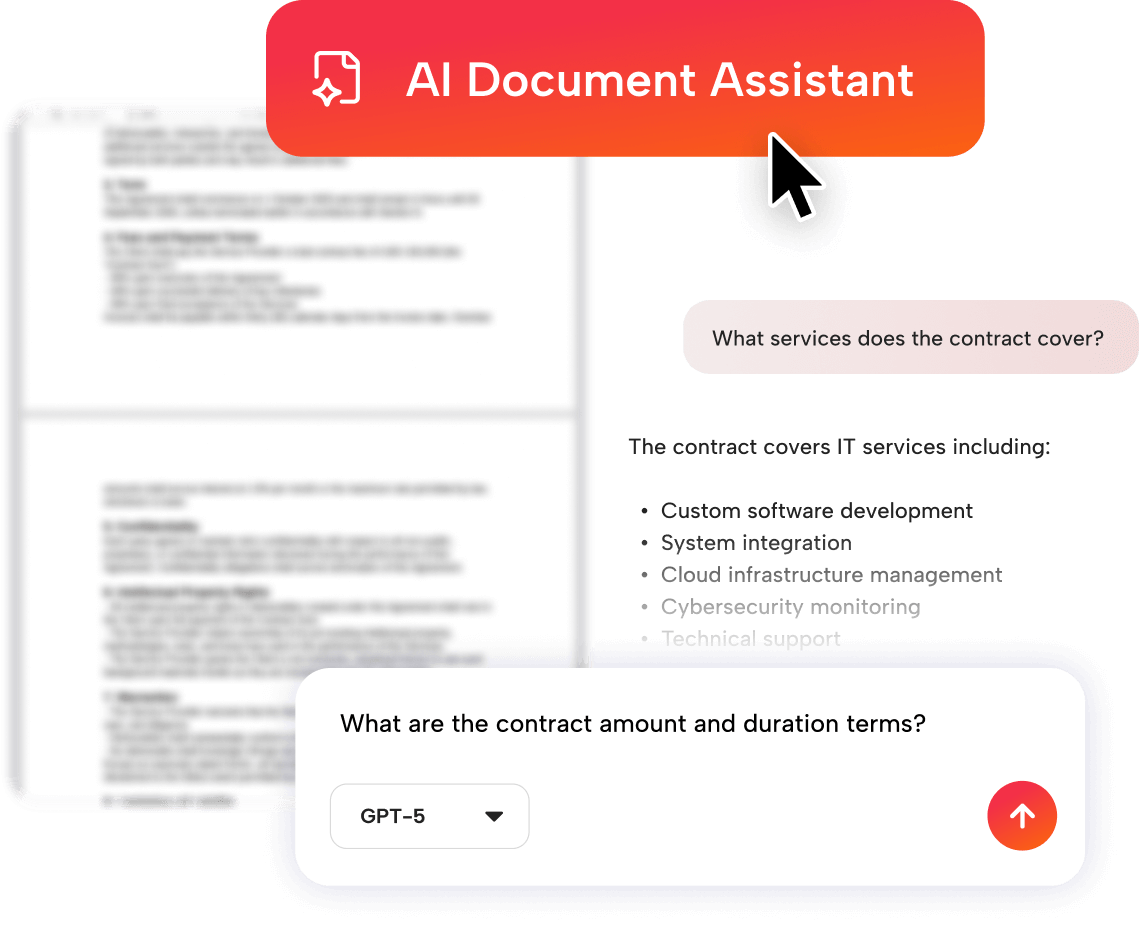
Currently, Files.fm AI supports the most common image formats: JPG and PNG. The AI Document Assistant works with DOCX, PDF, and TXT files. The range of supported formats will continue to expand. If you need support for a specific file format, please contact support@files.fm to check the possibilities.
 Files.fm — EU-based cloud storage